
Hey there, Amare families!
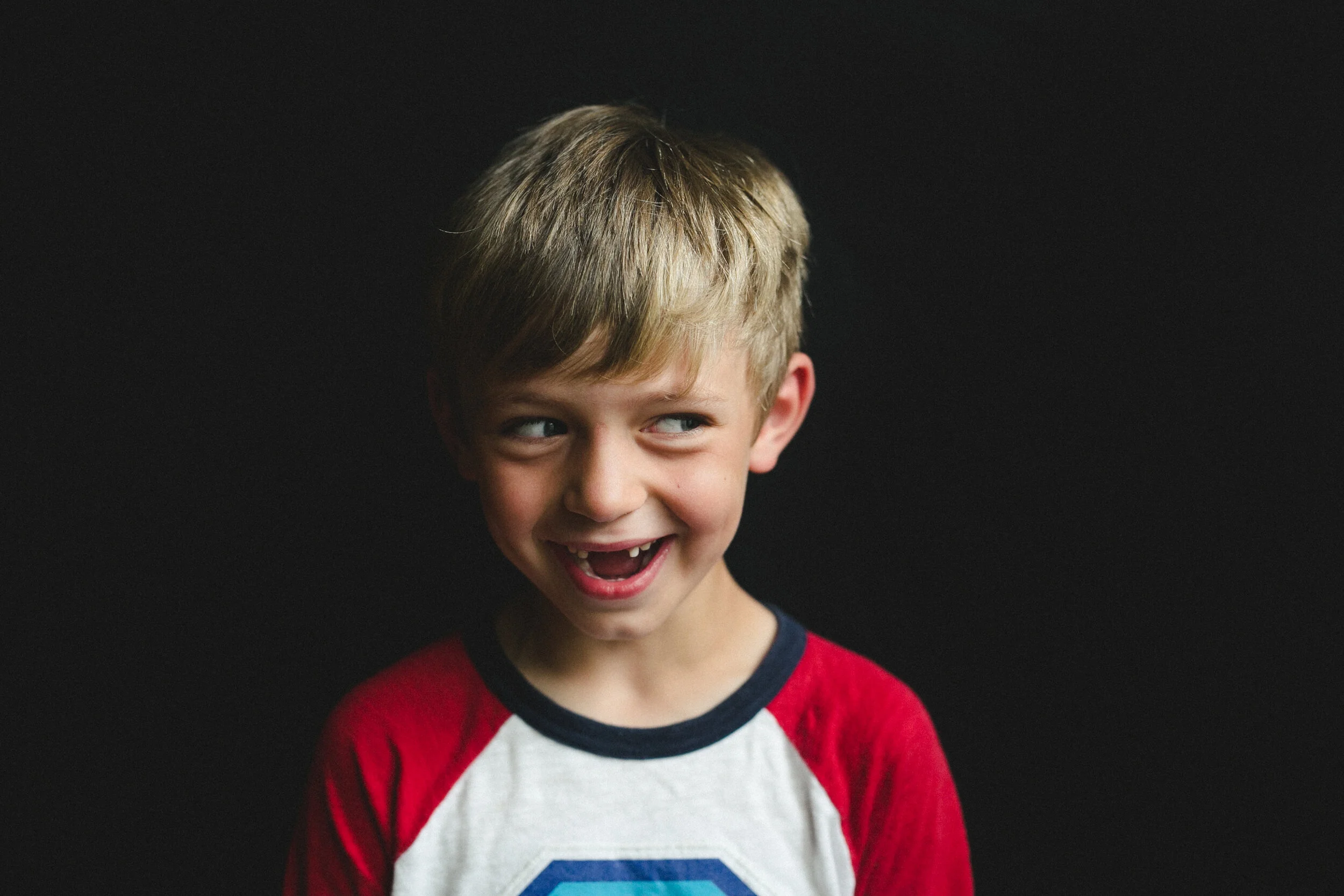
Shelby here. I was honored to have the chance to take school portraits with your beautiful children again this year. Thank you for your patience - I’m so excited to show you what we got! I’ve tried hard to answer all your ordering questions right here, so thank you for reading :)
6 very important, quick things, and then I’ll take you to the photos:
Because of the timing this year, I can’t guarantee that I can have any prints back to you makeup day families before Christmas break, if you were to order them through me — so I am only offering digital files, and as always, you are free to get those printed anywhere you like, once you’ve purchased the files from me. I highly recommend Mpix and Artifact Uprising for any photo-printing needs! Mpix will be comparable to the prints you’ve purchased from me in the past, and Artifact Uprising is even nicer. I apologize for this change this year, and so appreciate your understanding!
Digital files are the top seller every year, so I hope this solution is okay :) Your files are delivered automatically, immediately after your purchase, to the email you used to first enter the gallery.
The staff organized sibling photos again this year, and those group photos are inside one of your children’s folders.
Please respect the privacy of other families, and only look at your kids’ photos.
Christmas. It’s practically here! And I think these photos make amazing gifts :)
I made you a video to show you how to navigate the gallery, if you have any questions as you are ordering. Just scroll down to find that video, along with some other FAQs. I cover digital files about 4 minutes into the video — skip on ahead!
Thank you and bless you for reading this, that helps me so much! Okay — ENJOY your photos, that’s your button below:
Order video, if you need it:
In the above video, I cover how to purchase print packages at 1:45 | individual prints at 3:18 | digital files at 4:05 | canvases at 5:15 | retouching at 6:10 | checkout at 8:00.
Many of the emailed questions I get from parents are just small technical issues on their computer! I am not a computer whiz, but here are some tried and true tricks:
One little quirk I’ve noticed: if you’re trying to add a Collection to your cart, and it’s not working, make sure you’ve clicked “Select Photo” or the plus (+) sign at the top of that little sidebar. Make sure the small thumbnail that appears is the correct photo you want for the Collection. That step is a little weird and non-intuitive, but it should let you add it to your cart after that! (I cover this at about 2:45 in the video above)
If you are trying to place an order on your phone and it is giving you trouble, please try using a desktop computer instead.
If you experience glitches (like not being able to add an item to your cart, not completing your order, etc.) it is more likely your computer that is glitching, and not the gallery website, and sometimes all it takes is closing out of everything, or maybe restarting your computer, and starting the process fresh.
Please be sure to enter your email address correctly, because if you purchase digital files, a download link will be automatically sent to the email address you enter! When you download the photos, they should go to your Downloads folder.
If problems persist, please do not despair! Just email me at shelbymlynn.photo@gmail.com to let me know what’s going on, what you’re hoping for, and I will help.